Neither CSV nor JSON is universally better. Choose CSV when people need human-readable inspection or ultra-compact flat exports, and choose JSON when software needs nested, typed data with machine-enforceable contracts.
You're probably facing this choice in a familiar place: a B2B enrichment pipeline starts with a spreadsheet export, then grows into an API integration, a warehouse load, an AI workflow, or a product feature. The first CSV file works perfectly. Later, someone adds an array of skills, a nested company object, or an optional contact field, and the original “simple” format starts creating hidden work.
A useful decision framework comes down to three questions:
- Does a person need to inspect or edit the data? Lean CSV.
- Does software need nested objects, typed values, or explicit contracts? Lean JSON.
- Are you moving large volumes of uniform tabular data? Lean CSV.
The difficult part isn't converting one format into the other. The difficult part is choosing where you want complexity to live, in the file, in the API contract, or in every downstream consumer.
Table of Contents
- CSV vs JSON structure and history explained
- Performance, size, and parsing speed comparison
- Schema governance and data contracts at production scale
- Real-world use cases where format choice determines outcomes
- Integrating structured JSON outputs from B2B data APIs
- How to choose the right format for your next project
CSV vs JSON structure and history explained
A SaaS engineer building an enrichment pipeline might begin with a table containing company_url, industry, and employee_count. CSV feels natural because every record fits one row. Once the pipeline needs multiple offices, several roles, or a list of technologies, the team must decide how to flatten those relationships into columns or delimited strings.
That difference comes from the formats' mechanical designs. CSV is a flat, delimiter-driven format. RFC 4180 describes records on separate lines, with fields separated by commas. Values containing commas, quotation marks, or line breaks need double-quote escaping, so the structure depends on row position, delimiters, and quoting conventions rather than on metadata embedded in each value. The standard also codified the text/csv MIME type, helping the format move between spreadsheets, databases, and analysis tools through a common convention. (RFC 4180)
JSON is an object-and-array data model. It carries names, nesting, and value types directly in the payload. A JSON object can contain another object or an array, while each value can be a string, number, boolean, or null. That makes the record self-describing in a way that a CSV row isn't.
Two formats shaped by different problems
CSV's history explains why it remains so useful for operational exports. IBM's Fortran compiler on OS/360 supported list-directed input and output with commas between values in 1972, FORTRAN 77 formalized list-directed I/O in 1978, and the term CSV was already in use by 1983. CSV therefore predates modern personal computers by more than a decade, then received a formal standard in 2005 through RFC 4180. (Historical CSV reference)
JSON emerged much later from ECMAScript object literal syntax. RFC 4627 standardized it in 2006, and RFC 8259, published in December 2017, described JSON as already having very wide use. (JSON standardization history)
The history isn't trivia. CSV grew around tabular input and output, while JSON grew around structured software communication. That origin still shows up whenever a team decides whether to flatten a nested response or preserve it as an object.
Practical rule: If you need to explain the data by pointing to a row and column, CSV is probably a good fit. If you need to explain relationships between fields, JSON usually carries the meaning more clearly.
For teams preparing repeatable exports, a CSV template page can help establish consistent headers and expected tabular shape before data reaches an analyst or an import process. A template won't create type enforcement, but it can reduce avoidable variation in column names and ordering.
Performance, size, and parsing speed comparison
For uniform rows, CSV usually wins the raw transport contest. A CSV file stores one header set and then the values for each row. JSON commonly repeats field names inside every object, adding bytes and parsing work as the dataset grows. Independent benchmark-style comparisons consistently report faster CSV read, write, and parse operations with lower memory use for large flat datasets, while JSON pays additional CPU and RAM overhead for repeated keys and structural markers. (CSV, JSON, and columnar format comparison)
That advantage matters when a warehouse import, batch export, or local analysis job handles millions of uniform records. It matters less when the consumer would otherwise spend engineering time reconstructing structure that JSON already expresses.
| Metric | CSV | JSON | When it matters most |
|---|---|---|---|
| File compactness for flat rows | Typically more compact because headers aren't repeated in every record | Typically larger because object keys and structural syntax recur | Bulk exports, storage, and transfer |
| Parsing and memory use | Typically faster and lower-memory for flat tabular data | Adds overhead for repeated keys, nesting, and object construction | Large imports and resource-constrained jobs |
| Nested data | Requires flattening or external conventions | Native objects and arrays | Enrichment, events, and API responses |
| Type information | Usually inferred by the consumer | Carries strings, numbers, booleans, and null | Validation and downstream logic |
| Human inspection | Excellent in spreadsheet and table tools | Readable, but less convenient for row-level review | Operations and ad hoc analysis |
Speed isn't the only engineering cost
A smaller file doesn't automatically produce a cheaper system. If a CSV consumer has to guess whether an empty cell means null, an unknown value, or an empty string, the team has transferred complexity from serialization to application code. If one producer writes employee_count and another writes headcount, the parser may remain fast while the business logic loses data.
Performance benchmarking should therefore include more than elapsed parsing time. Measure transfer size, memory pressure, validation work, retry behavior, and the cost of diagnosing malformed records. The practical methodology in performance benchmarking for data systems is useful here because the format decision belongs inside the wider workload, not in an isolated file-size test.
JSON's overhead can be a sensible trade when every consumer needs nested metadata, optional fields, or explicit types. CSV is the better answer when the payload is strictly rectangular and throughput dominates the integration decision.
Schema governance and data contracts at production scale
The hardest CSV problem usually isn't commas. It's the absence of a contract that every system can enforce.
A small team can agree that the fourth column contains a headcount. A larger organization eventually adds producers, consumers, language stacks, and slightly different interpretations of missing data. One service emits company_name, another expects name, and a third parses every value as a string before applying its own conversions. The file still opens. The pipeline still runs. The data is no longer reliably comparable.

The cost of implicit CSV contracts
CSV has no native schema enforcement. Teams must manage headers, required fields, types, allowed values, and cross-field rules outside the file, perhaps through documentation, code, catalog tooling, or agreements between teams. That approach can work, but every consumer needs to implement or inherit the same assumptions.
| Decision criterion | CSV | JSON |
|---|---|---|
| Data volume efficiency | Strong for flat, repeated rows | Weaker for equivalent flat objects because keys repeat |
| Nested-data support | External flattening rules required | Objects and arrays are native |
| Schema governance | External documentation and validation | JSON Schema can document and validate structure |
| Parsing speed | Typically favorable for flat data | More parsing overhead, especially with nesting |
| Human readability | Strong in spreadsheets and table viewers | Strong for developers inspecting structured records |
JSON offers a more explicit contract layer because JSON Schema can describe types, required properties, nested structures, and validation rules. That benefit isn't automatic. A team that accepts any JSON without checking it has an expressive payload but no dependable contract.
The format doesn't govern the data by itself. Your validation and versioning process does.
A production JSON contract should define which fields are required, which are optional, what null means, how enum values evolve, and whether new properties are tolerated. It should also establish compatibility rules so a producer can add information without breaking an older consumer.
The same discipline is possible with CSV, but it has to be assembled externally. Teams need a header specification, column-level types, quoting rules, line-ending expectations, and a versioning policy. The organizational burden grows because every consumer must understand conventions that JSON can express directly.
A company enrichment workflow makes the difference obvious. A company enrichment API can return an object with firmographic fields and nested metadata, while a CSV export has to decide whether those values become separate columns, serialized strings, or repeated rows. The right choice depends on the destination, but the schema decision should be made before the first consumer ships.
For teams working with AI agents, CRM updates, and automated routing, predictable field presence often matters more than a marginal reduction in payload size. JSON is operationally reliable when the team versions and validates it. CSV remains practical when the table is stable, the consumers are known, and external governance is genuinely maintained.
The video is best treated as a complement to the contract process, not a replacement for it. Teams still need fixtures, validation in CI, compatibility checks, and monitoring for unexpected missing or renamed fields.
Real-world use cases where format choice determines outcomes
The same record can need different representations at different stages. A sales operations team may want a CSV for review, while an application needs JSON to create a nested account object. Treating one format as the permanent source for every workflow often creates unnecessary conversion work.
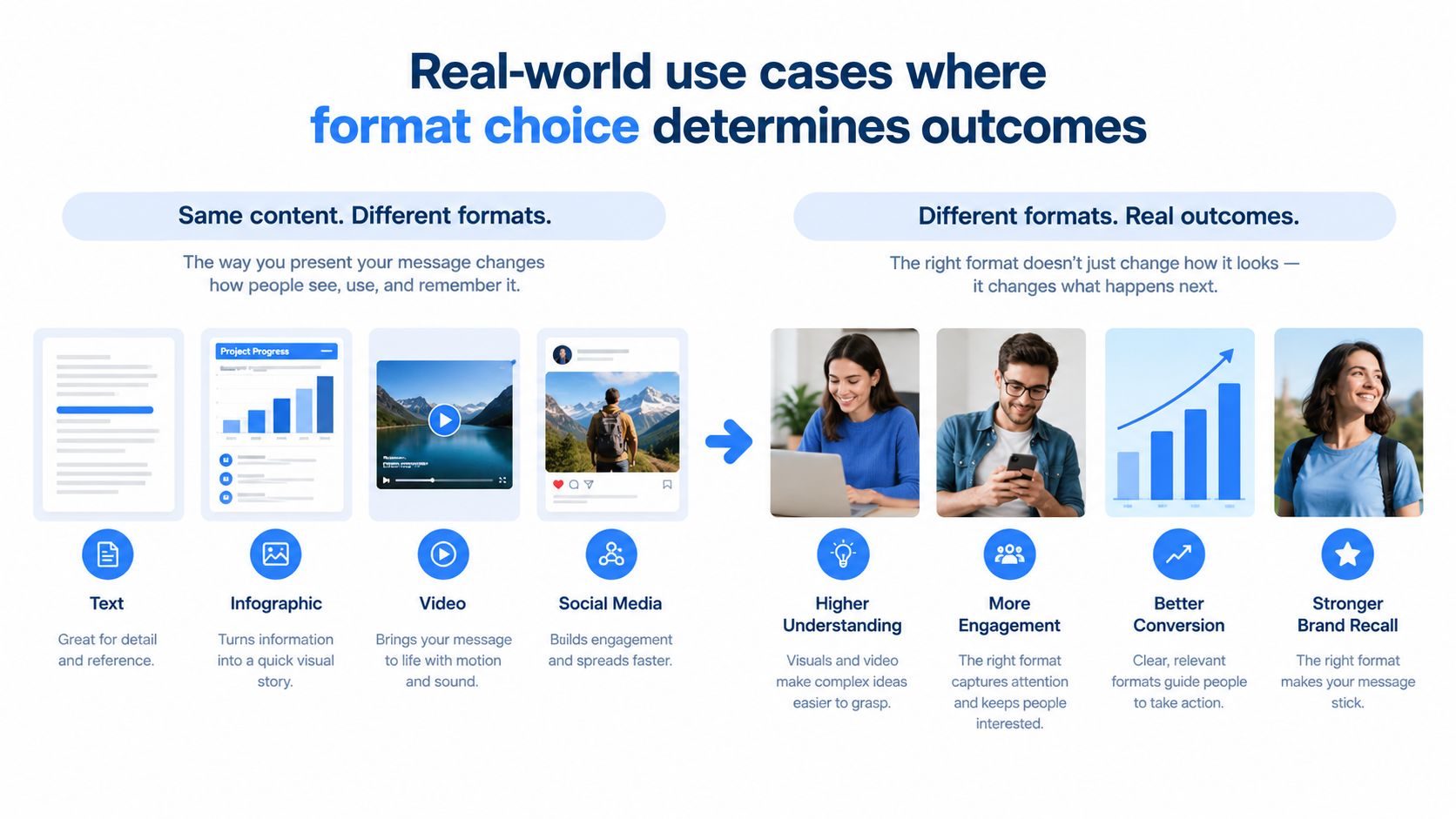
Bulk exports favor CSV
For a flat dataset destined for Excel, Google Sheets, a BI tool, or a warehouse import, CSV is usually the pragmatic choice. People can inspect rows immediately, filter columns, and hand the file to tools that already understand tabular data. A stable header row and consistent quoting are more valuable here than nested expressiveness.
The failure mode is flattening data that isn't flat. If a company has multiple offices or a person has several positions, joining values into one cell may be convenient for a human and ambiguous for software. Splitting those values into repeated columns creates another convention that downstream code must learn.
Streaming integrations favor JSON
An API response needs to tell the consumer what each value means. JSON supports nested objects and arrays, carries richer value types, and can be checked against JSON Schema. CSV can still work for a simple response, but it requires the consumer to know the header order, parse every value, and reconstruct relationships through conventions. (Data format comparison)
For streaming requests, that reconstruction is a needless integration surface. JSON lets an application handle an absent optional object, an empty array, and a null value as distinct states, provided the contract defines those states clearly.
ETL pipelines need a deliberate boundary
An ETL pipeline may use both formats without contradiction. CSV can serve as an efficient landing format for uniform exports, while JSON can carry the structured records into services that need nested data. The important boundary is explicit conversion, with validation at the point where the shape changes.
Before choosing, ask:
- Bulk movement: Is the data rectangular and headed to a table or spreadsheet? Use CSV.
- Application transport: Does the consumer need named objects, arrays, or typed fields? Use JSON.
- Warehouse ingestion: Can the destination ingest JSON natively, or does a flat staging file reduce operational work? Test the actual loader.
- Live enrichment: Will missing, optional, or nested attributes influence automation? Prefer a contract-bearing structure.
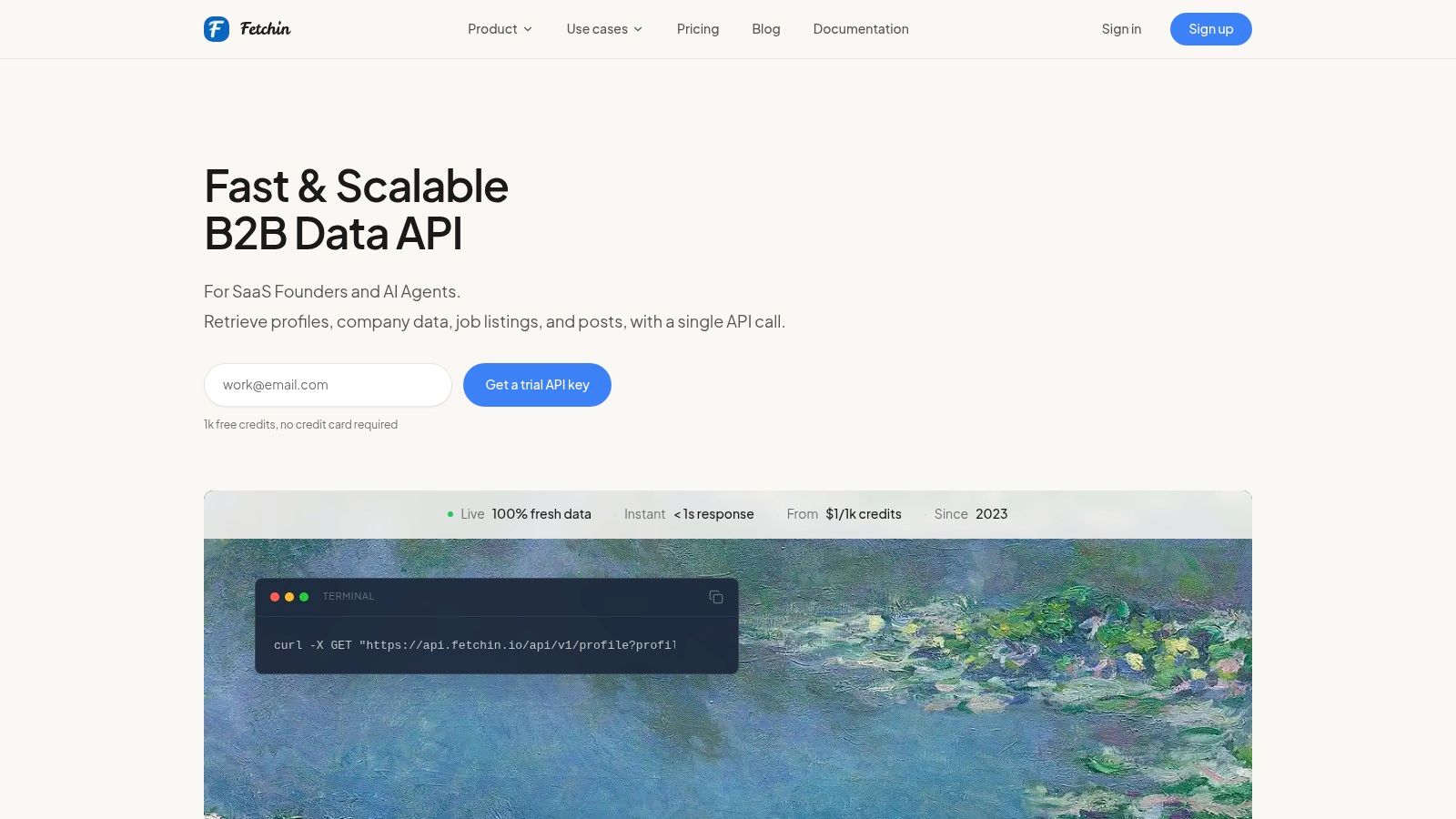
In live B2B enrichment, a professional data API such as Fetchin returns structured JSON from professional profile and company URLs. Its profile endpoint is described as returning 100+ attributes, including positions, education, skills, locations, and contact fields, while its company endpoint resolves firmographics such as industry, headcount, headquarters, founding year, and verified domain. Those values have different shapes, so preserving the object model avoids forcing every consumer to reverse-engineer a flat row.
The practical pattern is simple: keep JSON at the application boundary, validate it before business logic runs, and generate CSV only when a human or tabular tool needs it. That approach lets each format do the job it was designed to do.
Integrating structured JSON outputs from B2B data APIs
A reliable JSON integration starts before the HTTP client. Define the response contract, generate representative fixtures, and decide how the product handles missing fields, nulls, arrays, retries, and partial enrichment. Otherwise, a team can receive valid JSON and still produce invalid application state.
JSON supports strings, numbers, booleans, and null, plus objects and arrays. Arrays preserve order, and objects contain name/value pairs whose values can themselves be nested objects or arrays. That model fits profile and company data because one response can contain scalar fields, repeated roles, skill lists, locations, and company metadata without flattening everything into a single row. (RFC 4627 information)
A contract-first integration pattern
A practical implementation has four layers:
- Request validation: Check that the submitted professional profile URL or company URL is present and correctly classified before making the call.
- Response validation: Validate the returned JSON against the expected schema, including types, required properties, and nested structures.
- Normalization: Map provider fields to internal names without discarding arrays or collapsing meaningful null states.
- Observability: Record validation failures, unexpected properties, latency, and retry outcomes separately from successful business events.
This pattern scales better than mapping CSV headers in several services. A header-based integration often looks easy at first, then breaks when a column is renamed, reordered, omitted, or populated with a different representation of the same value. JSON doesn't eliminate change, but a schema makes change visible and testable.
The asynchronous option also matters for workflows where enrichment can't block a user request. A service can submit work, store a job identifier, and process the structured response when delivery completes. Synchronous responses remain useful for interactive product paths, while asynchronous delivery suits batch-like or higher-latency operations.
Treat external JSON as untrusted input, even when the provider documents a stable schema. Validate at the boundary, then expose your own internal contract.
Fetchin's JSON data API guidance is relevant for teams deciding how to pass structured enrichment into a product, AI agent, or automation workflow. The key architectural choice is to avoid leaking provider-specific field names throughout the codebase. Keep a translation layer, test it with fixtures, and make downstream components depend on the internal model.
A CSV export can still be generated from that internal model for operations, review, or warehouse loading. The application should not have to rebuild nested relationships from that export unless tabular output is the actual product requirement.
How to choose the right format for your next project
Start with the consumer, not the file extension. The format that minimizes the most expensive failure mode is the right one, even if it isn't the smallest or most familiar.
| If the primary need is... | Choose | Apply this rule |
|---|---|---|
| Spreadsheet inspection or manual review | CSV | Keep one record per row and document headers |
| Nested objects or arrays | JSON | Preserve the hierarchy instead of inventing flattening rules |
| Typed API exchange | JSON | Validate requests and responses at the boundary |
| Large, uniform tabular export | CSV | Benchmark parsing and memory use with representative data |
| Multiple producers and consumers | JSON with schema governance | Version the contract and test compatibility |
| Human review after machine processing | Both | Use JSON internally, produce CSV as a deliberate export |
Check the three decision questions
First, identify the human touchpoint. If an analyst needs to sort, filter, annotate, or import the file into a spreadsheet, CSV reduces friction. Define the header names and quoting behavior before delivery rather than relying on whichever export library happens to run.
Second, identify the data shape. A single flat row can fit CSV. A record containing arrays, nested company details, or optional objects belongs in JSON unless you have a strong reason to maintain a relational set of tables.
Third, identify the dominant cost. For large flat transfers, CSV's compactness and parsing profile are strong reasons to choose it. For application integration, the cost of schema drift and type guessing can outweigh the additional JSON payload overhead.
Line endings deserve a specific check. RFC 4180 defines CRLF between CSV records, and UK government open standards guidance recommends commas as separators and CRLF as the line-break format for published tabular data. CSV writers and parsers can still differ, so test a real sample across the systems that will exchange it. (UK tabular data standard)
Use this production checklist
- Define ownership: Name the team responsible for headers, fields, and schema changes.
- Test real payloads: Include commas, quotes, line breaks, empty values, nulls, arrays, and non-ASCII text.
- Validate at boundaries: Reject malformed input before it reaches business logic.
- Version deliberately: Document additions, removals, renames, and compatibility expectations.
- Separate representations: Let JSON serve application contracts and CSV serve tabular review or bulk export when both needs exist.
- Measure the workload: Compare transfer size, parsing time, memory use, validation cost, and operational failure handling with representative data.
CSV wins when the data is flat, people need a table, or bulk efficiency dominates. JSON wins when the data has relationships, types matter, or several software systems need a contract they can validate. Choose based on the failure you most need to prevent, not on a universal format ranking.
Fetchin provides a real-time B2B data API that turns professional profile and company URLs into structured JSON for enrichment, product features, AI agents, and automation workflows. If your pipeline needs current, typed records without making every downstream service interpret CSV conventions, visit Fetchin to evaluate the API.